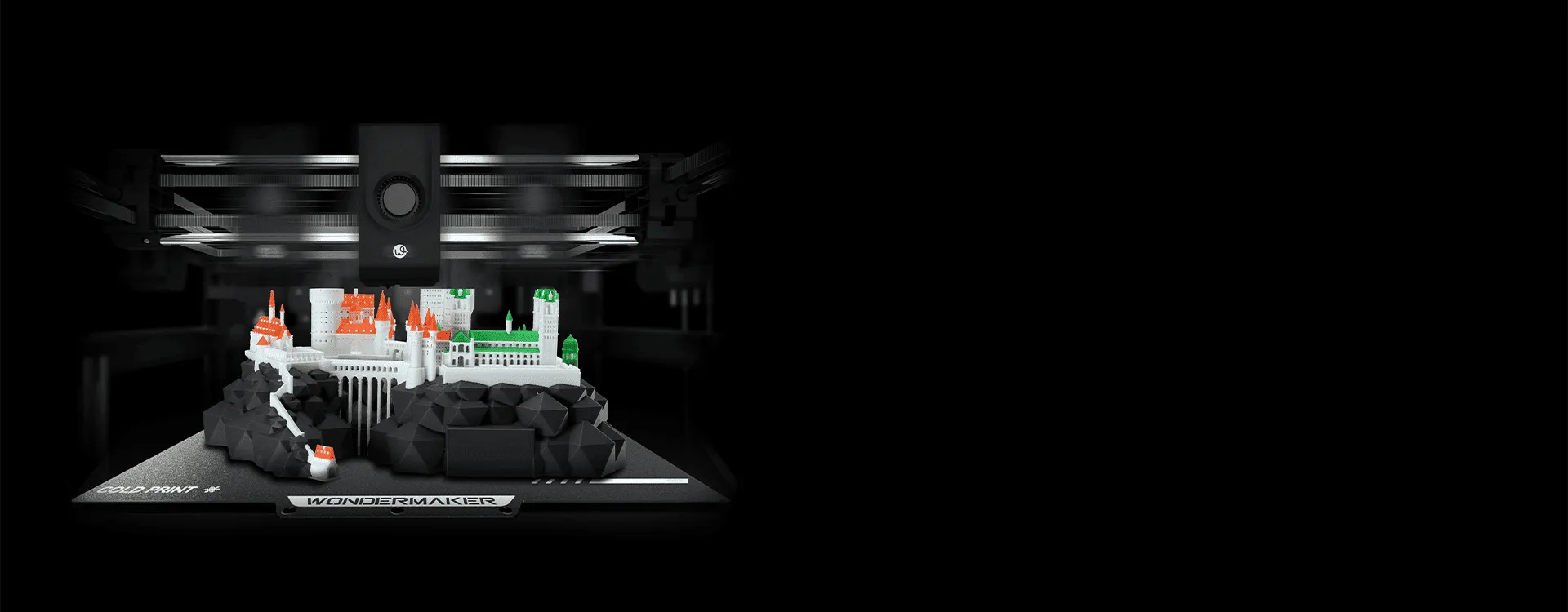
Businesses using 3D printing for prototyping, product development, education, or small-scale manufacturing often need more than basic single-material printing. A multi-head 3D printer can expand production capabilities by allowing different print heads to work within the same machine. However, choosing the best multi-head 3D printer requires more than comparing the number of print heads. Compatibility, print quality, workflow efficiency, material support, build volume, and maintenance all affect whether a printer is suitable for professional use.
Understanding these factors can help businesses select equipment that fits their actual production requirements instead of paying for features they may not use.
Understand How Multi-Head 3D Printing Works
A multi-head 3D printer uses two or more print heads to process different materials or colors during a printing job. Depending on the machine design, the heads may work independently, switch between materials, or operate together for specific applications.
This setup can be useful when a model requires multiple materials, support structures, different colors, or specialized material combinations. For example, one print head may handle the primary model material while another uses a support material that can later be removed.
Before selecting a printer, businesses should understand how its multi-head system operates. The number of heads alone does not determine productivity. The switching mechanism, software control, calibration process, and material compatibility can have an equally important effect on everyday performance.
Evaluate Print Quality and Head Alignment
For professional applications, consistent print quality is essential. Multi-head systems require accurate alignment between print heads so that materials are deposited in the intended positions. Poor calibration can result in visible offsets, material interference, or defects on complex models.
Look for a printer with reliable calibration functions and a stable motion system. Layer resolution, nozzle performance, temperature control, and extrusion consistency should also be considered. These factors influence surface finish and dimensional accuracy, particularly when printing functional prototypes or detailed components.
The best multi-head 3D printer for one business may therefore be different from the best option for another. A company producing engineering prototypes may prioritize dimensional consistency, while a design studio may place greater emphasis on color and material flexibility.
Consider Material Compatibility
Material support is another important consideration. Different applications may require materials with different melting temperatures, mechanical properties, or support requirements. A printer designed for a broad range of compatible filaments can provide greater flexibility as business needs develop.
Businesses should check whether the printer supports the materials they currently use and whether those materials can be assigned effectively across multiple print heads. Temperature control is particularly important when working with materials that require different extrusion conditions.
It is also useful to consider how easily materials can be loaded, unloaded, and switched. A technically capable printer can still become inefficient if material changes require excessive manual intervention.
Match Build Volume to Your Applications
Build volume determines the size of objects that can be produced in a single print. A larger build area can reduce the need to divide large components into multiple sections, while a smaller machine may be more appropriate for compact prototypes and limited workspace.
Businesses should evaluate the dimensions of their typical models rather than simply choosing the largest available printer. Oversized equipment can increase space requirements and operating costs without providing meaningful benefits if most projects are relatively small.
The right build volume should also account for future applications. If a company expects to move from prototypes to larger functional parts, additional capacity may become valuable over time.
Examine Software and Workflow Integration
Hardware performance is only one part of professional 3D printing. Multi-head machines also depend on slicing software and printer controls to coordinate different materials and print heads accurately.
A practical workflow should make it straightforward to assign materials, configure print heads, manage support structures, and prepare files for production. Software that provides clear controls can reduce preparation time and make the machine easier for different team members to operate.
For businesses producing multiple models regularly, workflow efficiency can have a significant impact on overall productivity. Compatibility with common 3D file formats and established slicing workflows can also reduce unnecessary changes to existing processes.
Review Maintenance and Operational Requirements
More print heads can introduce additional components that require inspection, cleaning, and calibration. Businesses should therefore consider maintenance requirements before purchasing a multi-head printer.
A suitable system should provide reasonable access to the print heads and other serviceable components. Consumable parts such as nozzles should also be easy to replace when necessary. Clear maintenance procedures can help reduce downtime and make routine servicing more manageable.
It is worth considering not only purchase price but also the long term cost of operation, including replacement components, materials, maintenance time, and potential downtime.
Consider WonderMaker 3D for Multi-Head Applications
For businesses exploring multi-head printing, WonderMaker 3D provides an example of how a professional printer can combine multiple print heads with a larger production-oriented workflow. Its ZR Ultra printer is designed around multi-material and multi-color 3D printing applications, making it relevant for users who need more flexibility than a conventional single-head system.
When evaluating a machine such as the ZR Ultra, users should still compare its specifications with their own requirements, including material compatibility, print dimensions, workflow, maintenance needs, and expected production volume. A feature is valuable when it directly supports the intended application.
Choose Based on the Complete Production Workflow
Selecting the best multi-head 3D printer should ultimately be based on how the equipment fits into the entire production process. Businesses should consider what they print, which materials they use, how often they change materials, the required print size, and how much operator involvement is acceptable.
A printer with multiple heads can provide greater flexibility, but that flexibility is most useful when the machine is properly matched to the application. By evaluating print quality, material support, build volume, software, calibration, and maintenance together, businesses can make a more informed investment and establish a more efficient 3D printing workflow.
